Doc 360
Turning a 10-minute document hunt into one click, adopted by 85% of Post-Sales and GTM
Problem

Zscaler's customer lifecycle documents were scattered across Google Drive: inconsistent permissions, orphaned folders, and years of file-management debt, with no account-level home in Salesforce.
Even employees with access often couldn't find the right document, and enterprise search only helped when someone already knew what they were looking for.
The sharpest failure was Matik-generated decks: a document created for a customer landed in a global folder, forcing users to find it in Drive, copy the link, and manually attach it in Salesforce, taking 5 to 10 minutes per document.
Context
A new customer lifecycle framework was standardizing how GTM, Professional Services, Technical Success, and Support ran customer engagements, but updating the documents didn't fix the discoverability, access, or governance problems around them.
The issue had surfaced repeatedly through intake and research before C-suite frustration turned it into an executive mandate.
Rather than treat it as a search feature, I defined Doc360 as shared account-level infrastructure across Zscaler's GTM and Post-Sales Salesforce workspaces, one contextual interface for customer documents, with Google Drive staying the authoritative system of record for files and permissions.
The roadmap started with access, governance, and workflow automation, then expanded to AI-generated summaries.
The issue had surfaced repeatedly through intake and research before C-suite frustration turned it into an executive mandate.
Rather than treat it as a search feature, I defined Doc360 as shared account-level infrastructure across Zscaler's GTM and Post-Sales Salesforce workspaces, one contextual interface for customer documents, with Google Drive staying the authoritative system of record for files and permissions.
The roadmap started with access, governance, and workflow automation, then expanded to AI-generated summaries.
My Role
As Director of Business Systems Product Management, I owned the product vision and end-to-end strategy for Doc360: discovery, the build-versus-buy call, information architecture, governance, integrations, roadmap, delivery, and measurement.
IT, Engineering, Salesforce, BI, and business partners owned their respective execution.
IT, Engineering, Salesforce, BI, and business partners owned their respective execution.
Strategy & Process
- 1Frame It as InfrastructureDefined Doc360 as shared account-level infrastructure for GTM and Post-Sales, not an isolated document widget or another search interface.
- 1Evaluate Build Versus BuyAssessed dedicated document platforms and Salesforce's native stack; third-party tools were cost-prohibitive at Zscaler's scale, and native Salesforce lacked the required automation and lifecycle management.
- 3Preserve the System of RecordBuilt bidirectional sync so Salesforce became where users found documents in account context, while Google Drive stayed authoritative for files and permissions, avoiding duplicate storage and a second permission layer.
- 3Fix Permissions at the FoundationDirected an overhaul of the Google Drive permission model before solving discoverability through search or AI, so Doc360 inherited existing permissions rather than creating a new authorization layer.
- 3Eliminate the Matik HandoffRedesigned the Matik workflow so one action generated the document, filed it in the correct account folder, and made it immediately available in Doc360.
Key Decisions
- 1Build InternallyChose a ground-up internal product after neither dedicated platforms nor Salesforce's native stack could meet Zscaler's requirements at an acceptable cost.
- 1Solve Structure Before SearchPrioritized folder architecture, permissions, and governance before advanced search or AI; better retrieval wouldn't have fixed inaccessible or poorly organized source material.
- 1Operate at the Account LevelDesigned the experience around the customer account rather than a global document library, so users saw the right artifacts in the context of their work.
- 3Replace Checklists With EvidenceShifted governance from manually completed closure checklists to verification that required documents actually existed and remained findable.
Impact
- 1Document Creation Became One ClickReduced the Matik workflow from 5 to 10 minutes of manual handling to a single action that generated, filed, and surfaced the document in Salesforce.
- 2Capacity Returned at ScaleAcross 565 Matik-enabled TSMs generating an average of five documents each per week, the workflow change returned an estimated 11,771 hours of annual capacity, roughly 294 forty-hour workweeks.
- 2Adoption Reached Across Post-SalesAchieved roughly 85% measured adoption across Zscaler's 1,500-person Post-Sales organization, about 1,275 users across Support, Technical Success, Professional Services, and Customer Success Engineering.
- 2Customer Documents Became GovernableReplaced manual checklist completion with evidence-based visibility into whether required customer deliverables actually existed and remained findable.
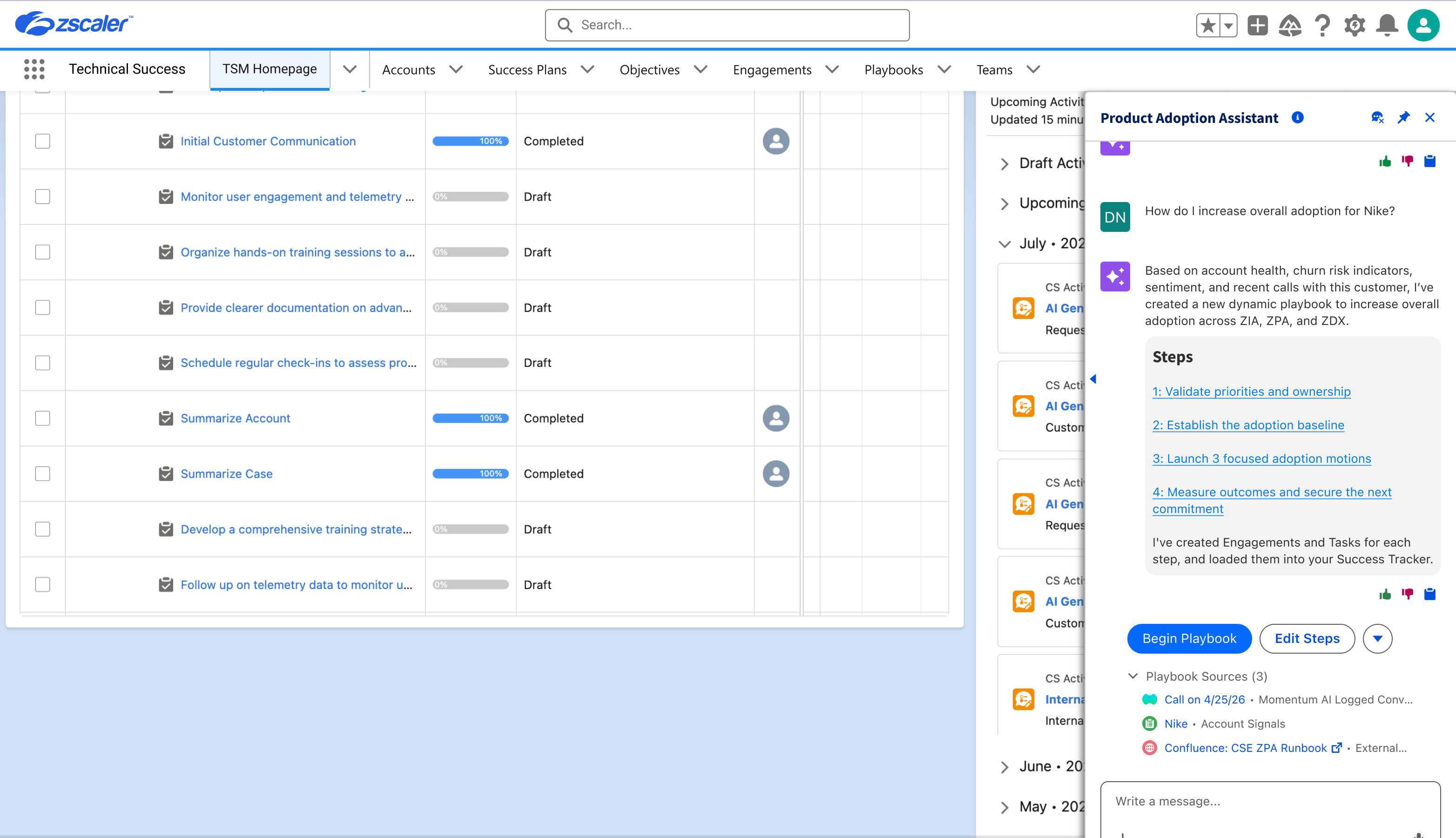
- 2AI Summaries ShippedExpanded Doc360 from document retrieval into AI-assisted understanding, letting employees interpret customer artifacts without opening every file, and supplied that same document context to Agent Z.
Lessons Learned
Run-the-business products don't always produce one clean ROI figure; the better approach was using the strongest evidence available for each part of the story, instrumented usage for workflow capacity, BI measurement for adoption, qualitative evidence for the rest.
Doc360 also reinforced that enterprise AI is only as useful as the information architecture beneath it: AI summaries and agent access became valuable because the team solved the less glamorous foundational problems first, folder structure, permissions, account context, and governance.
Doc360 also reinforced that enterprise AI is only as useful as the information architecture beneath it: AI summaries and agent access became valuable because the team solved the less glamorous foundational problems first, folder structure, permissions, account context, and governance.